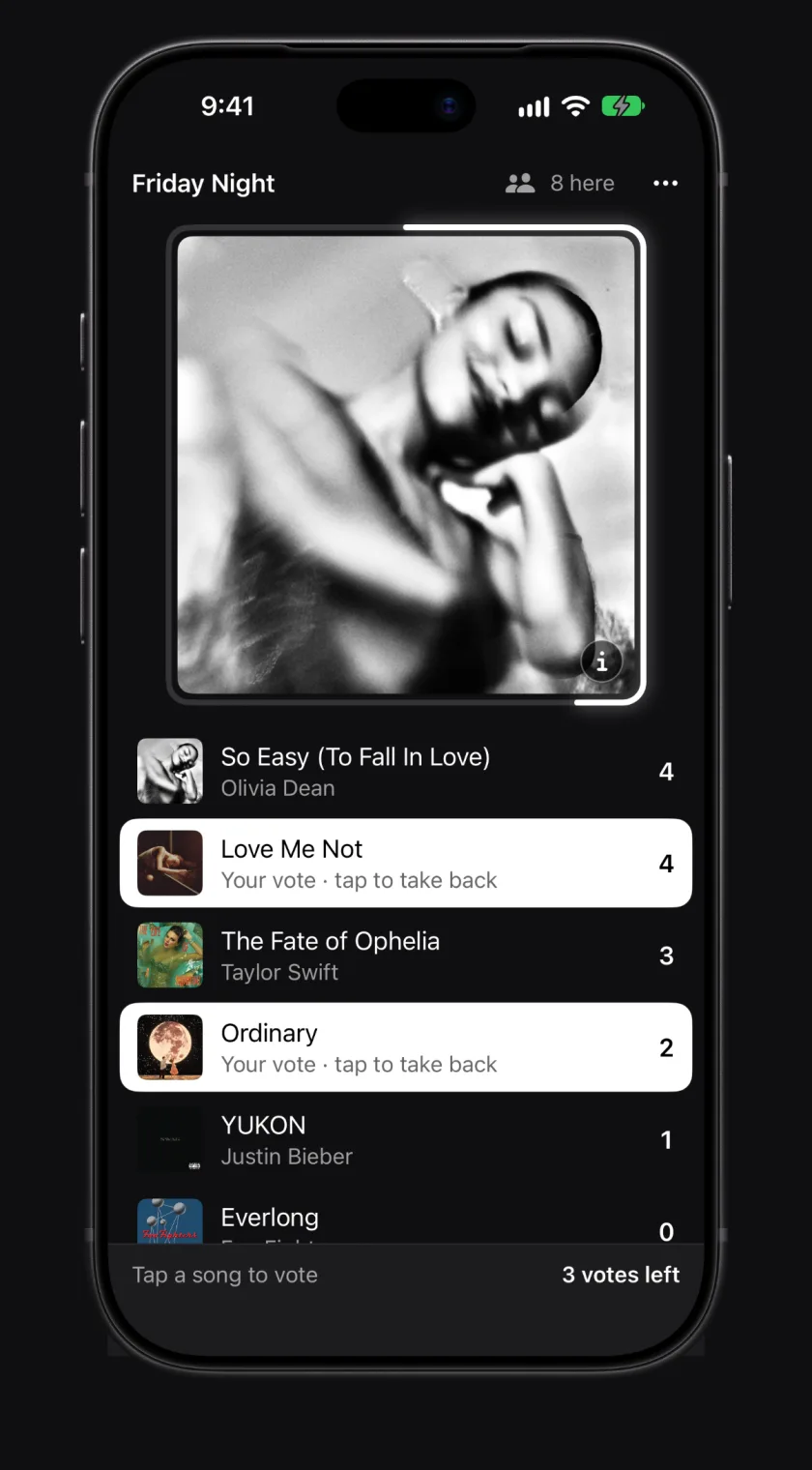
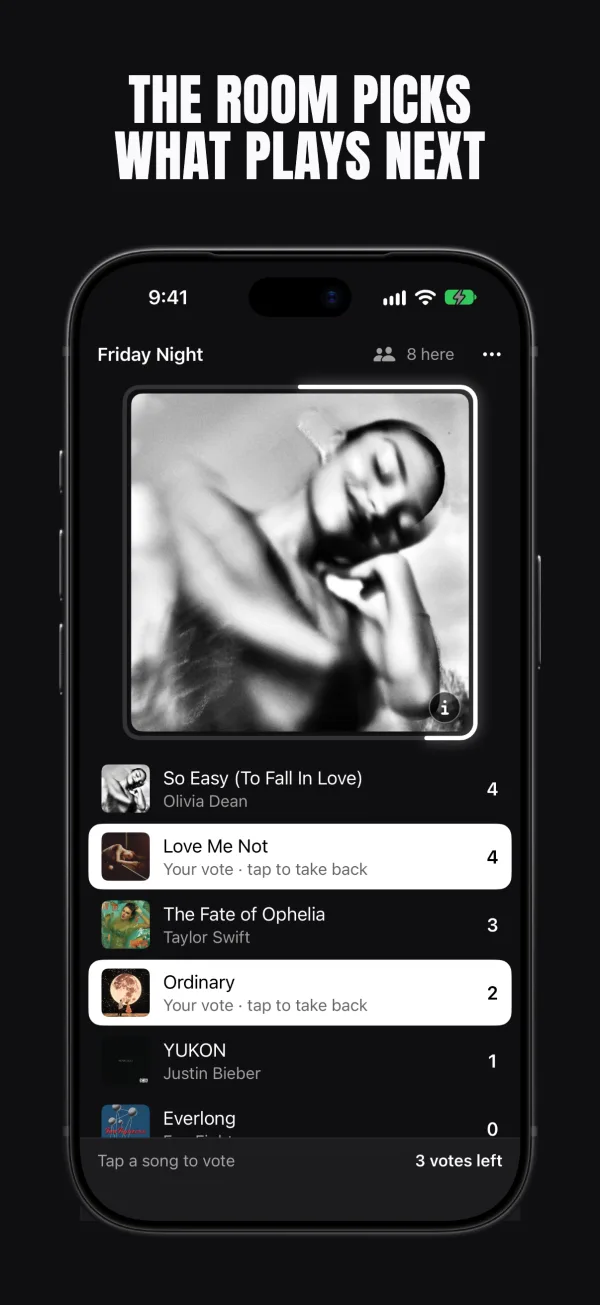
The room picks what plays next.
Guests vote from their phones. The top song plays next.
Download on the App Store
Free for iPhone. Hosts need Apple Music.
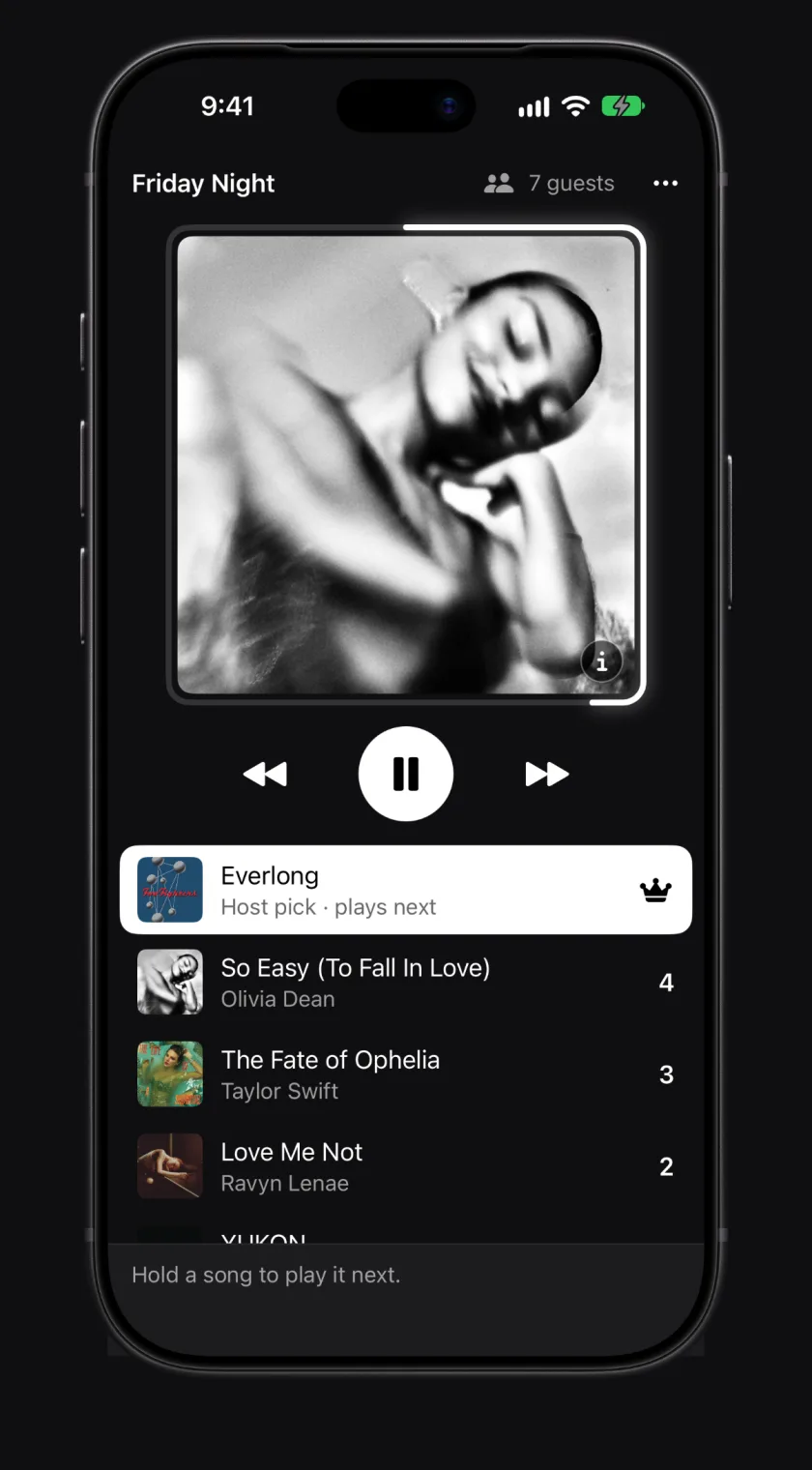
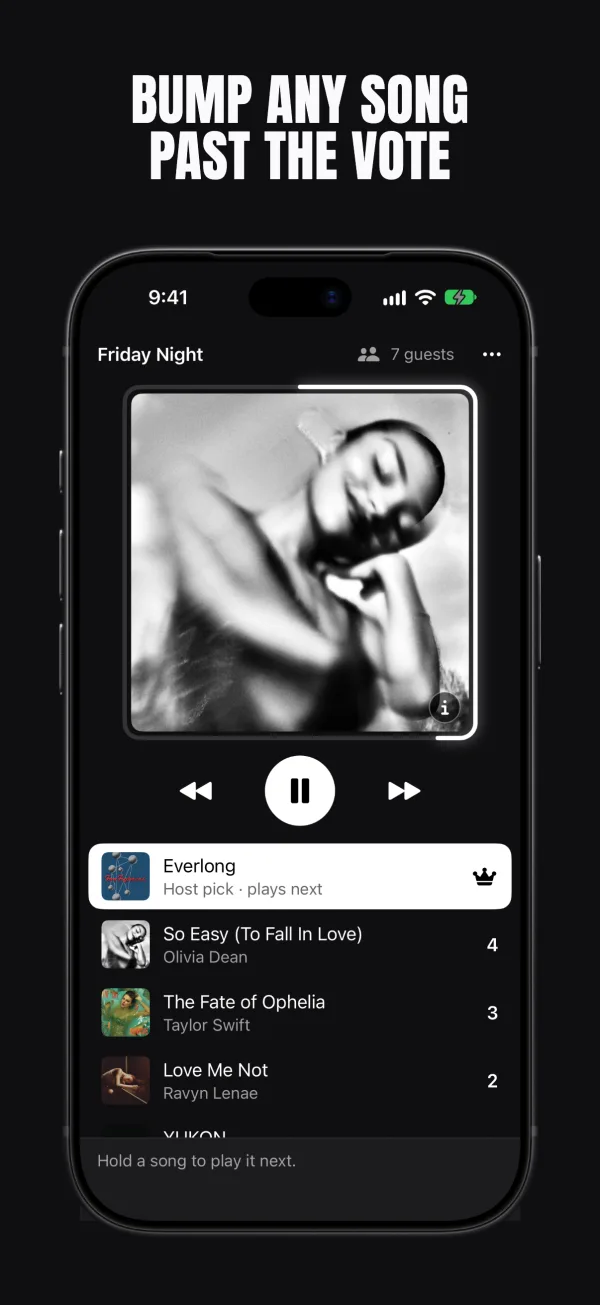
Bump any song past the vote.
Your iPhone plays the Apple Music playlist. The room votes, and you still get the last word.
- Votes
- Set 1 to 20 per guest before you open.
- Bump
- The song gets a crown and plays next.
- Skip
- The next song starts now.
- Crossfade
- Songs blend, and the next one locks in early.
Inside the app.
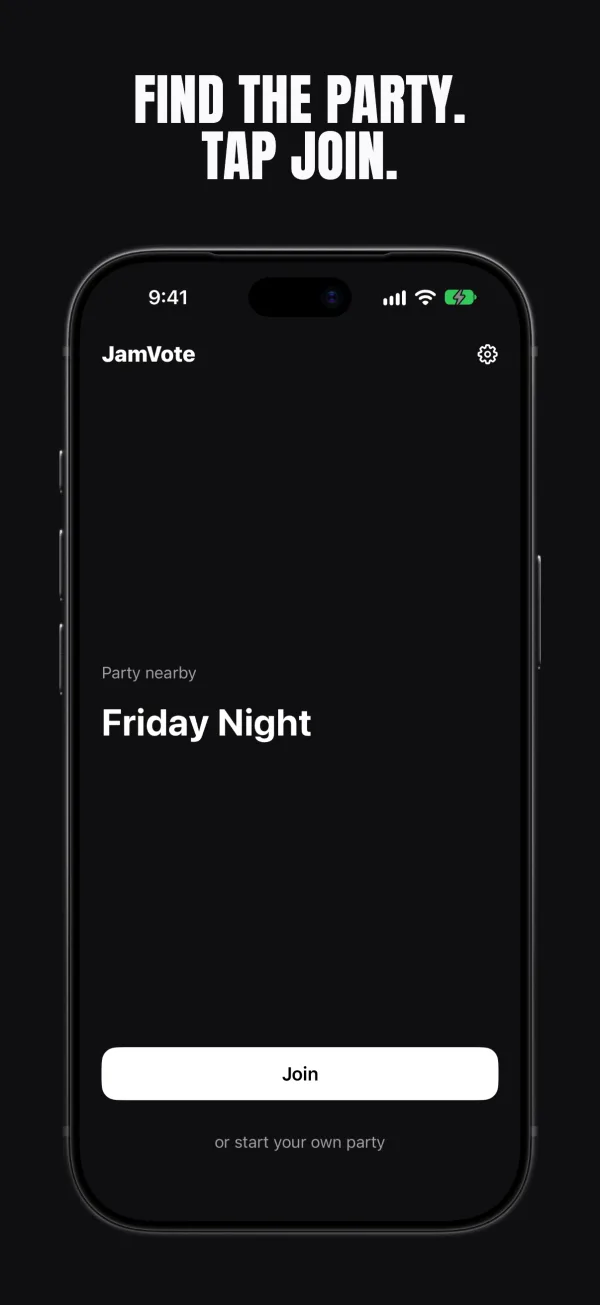
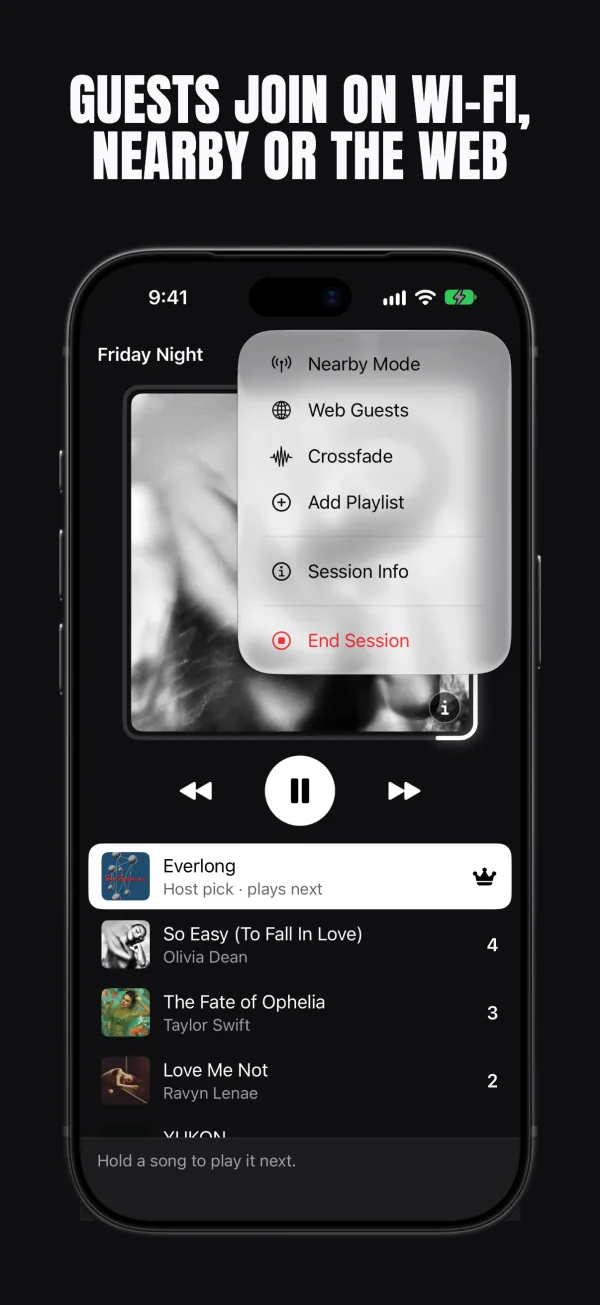
Three ways into the party.
Same Wi‑Fi
Guests with the app see your party on their home screen and tap Join.
A QR code
PremiumAnyone scans it and votes from their phone’s browser. No app.
Nearby Mode
PremiumNo network at the cabin? Phones connect to each other directly.
Most votes plays next.
- Everyone starts with the same number of votes.
- Tap a song to vote. Tap it again to take the vote back.
- A tie goes to the song that was voted for first.
- When your song plays, your vote comes back.
Free for the first ten songs.
Premium plays the whole playlist. Guests never pay.
| For the host | Free | Premium |
|---|---|---|
| Price | $0 | $0.99 a month after a 3‑day trial, or $9.99 once |
| Songs per playlist | The first 10 | All of them |
| QR code guests in a browser | No | Yes |
| Nearby Mode | No | Yes |
| Crossfade and shuffle | No | Yes |
Hand the room the queue.
Download on the App Store
Hosts need an iPhone and Apple Music. Spotify isn’t supported.